Alcohol Software - Alcohol Software is DVD / CD burning software. CD & DVD burner, recorder and ripper


Support Menu

Support Overview

Manuals

FAQ

Support Forum

Contact Support

Supported Drives

Changelog


FAQ

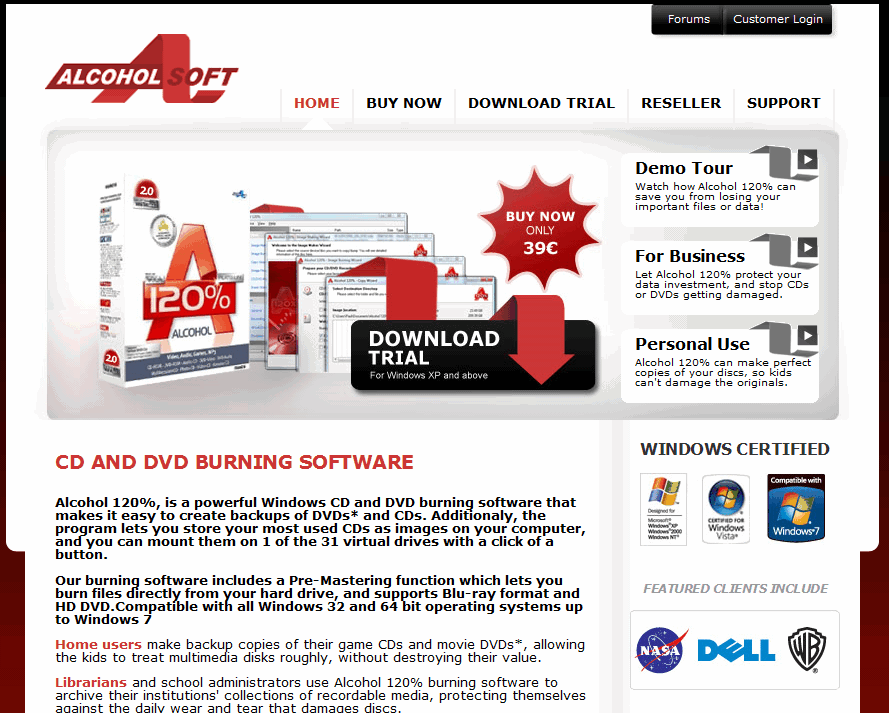
Purchasing Alcohol


You will need to visit our Online Shop http://shop.alcohol-soft.com/en/purchase.php
and there choose the Program that you wish to Purchase, i have used here as an example Alcohol 120%.
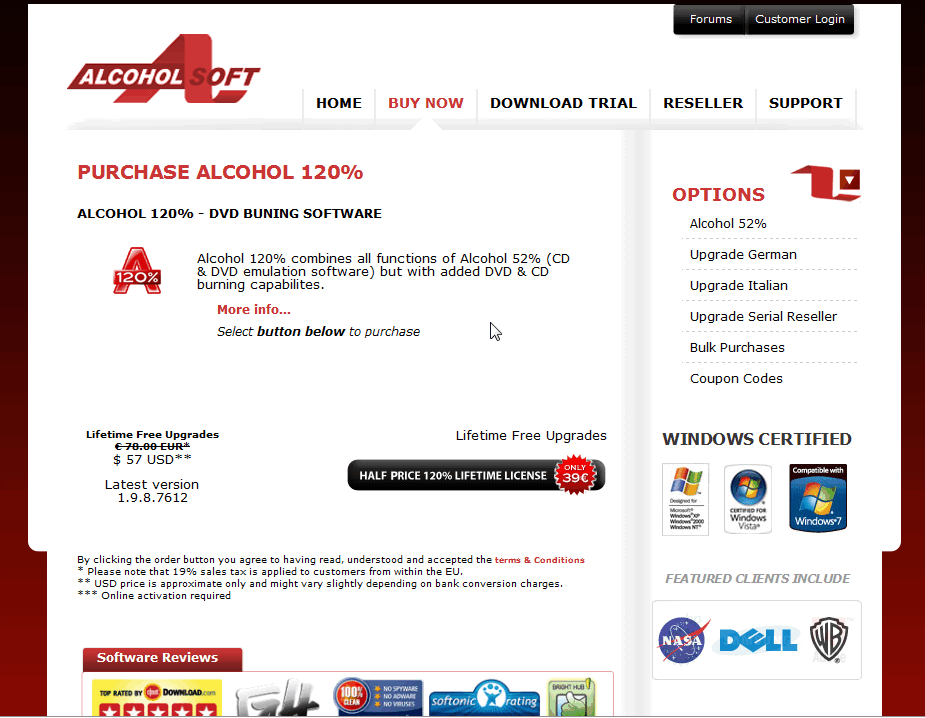


On this Page you will need to click on "Buy Alcohol 120% -> .
You know have the choice between choosing a Licence with one year of
free updates or a Lifetime of free updates


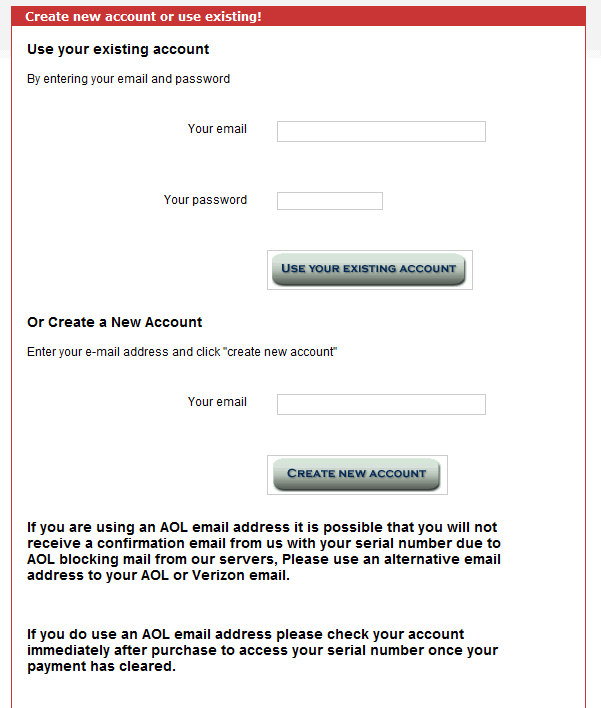
You can now see this Page, when you do not have an Account then you will have to create one simply go to "Or Create New Account" and enter your Email Adress then click on the "Create New Account" Button. If you already have an Account simply Login using your Email Adress & Password.
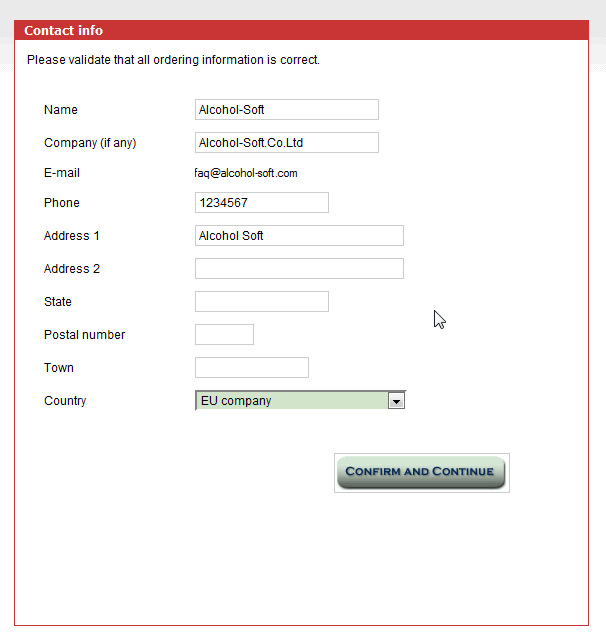


Here you will need to enter some Details for our Database Password, Name, Adress etc once you have entered your Details please click on "Confirm and continue".
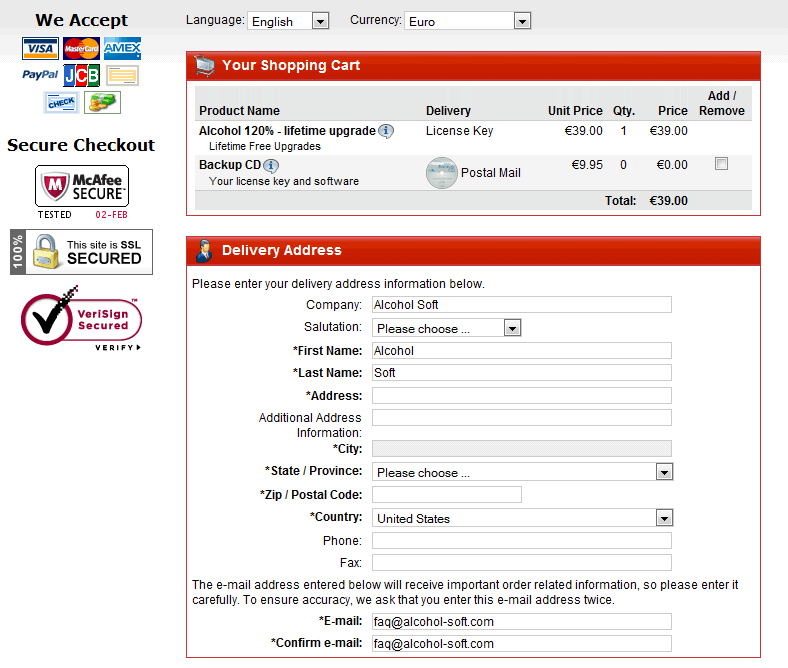


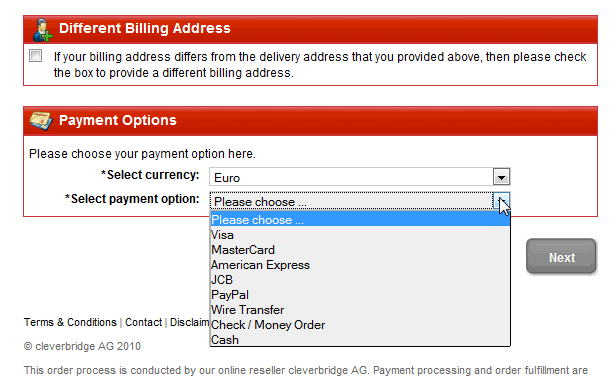
Now you can choose your Payment method, possible are Payments through Credit Card, Paypal or Bnk Transfer, please choose a method then click on "Continue".


For this FAQ i have chosen the Bank Transfer method which would mean that i would need to arrange a Bank Tansfer to one of Alcohols Bank Accounts you will need to send your Order Number when you send your Transfer so that our Sales Department know for whom they are processing the Order, The Oder Number you will recieve from our System when you order Alcohol, and can also been seen under invoice number, remember you may incur bank charges for making a transaction please be sure that enough funds are transferred to our account to cover any bank charges, a shortfall in the required amount will mean that you purchase will not be processed and you will receive an email from us informing you of the outstanding amount required.


When you wish to use either of the other Payment methods simply choose one then follow the Online instructions.