| |
|
|
R.M.P.S1. Firstly select "Image Making Wizard" as shown.
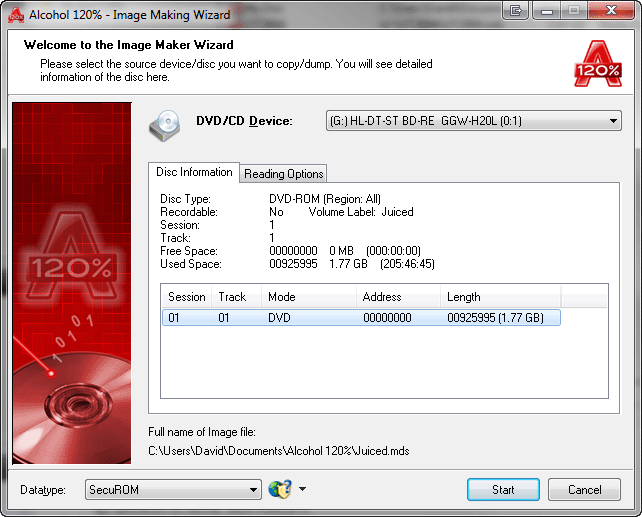
2. Select the "Securom *NEW (4/5/7)" Datatype. Its crucial that the "Data Position Measurement" (DPM) setting is now enabled.
Proceed by clicking "next".
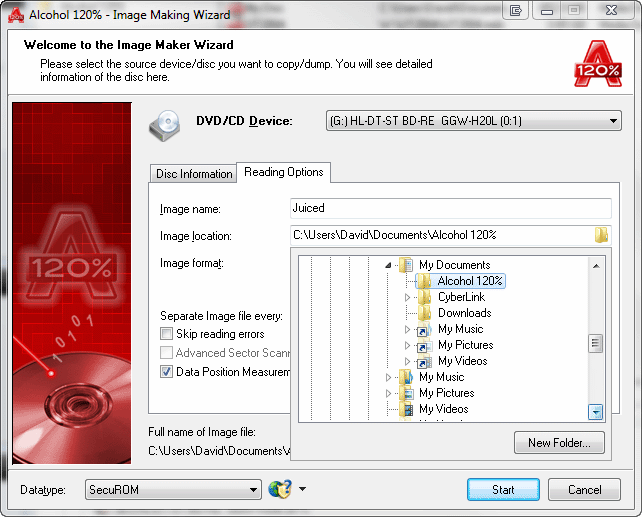
3. You need to create the image in MDS format.
Change the file name if its incorrect, then click "start".
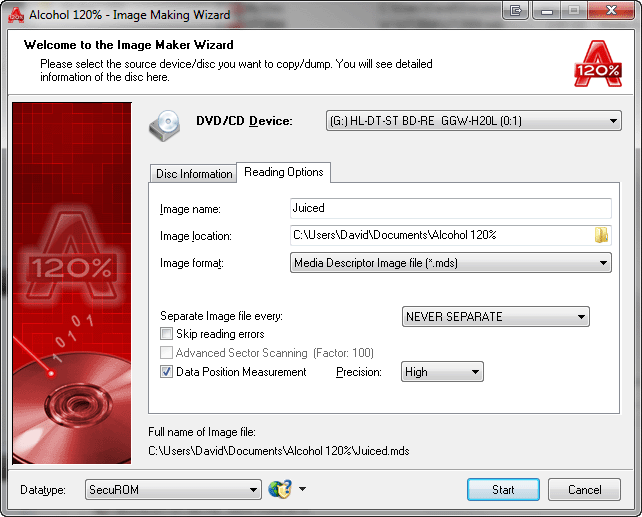
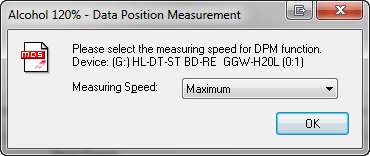
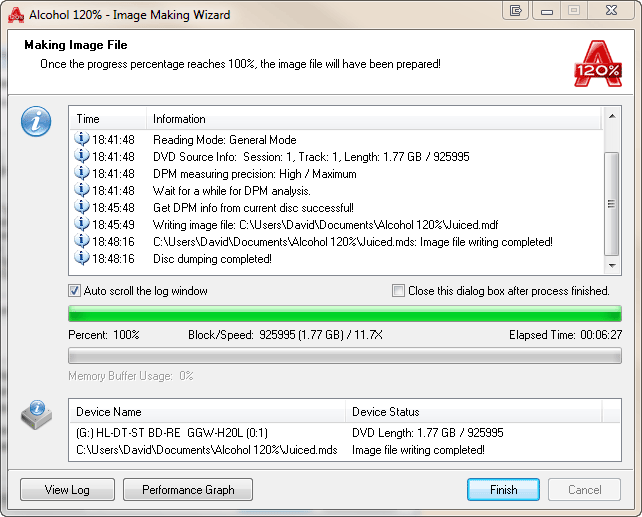
4.Select the DPM measuring speed. Lower is best for more accurate results. I use 1x. This may sound slow but infact it only takes about 3-4 minutes to do the DPM at this speed.
5. You may notice 2 read errors at the end of the reading. This is totally normal and has now become a tell tale sign of the newest forms of the SecuROM protection.
6.You will see in the window 3 buttons "View Log" "Performance Graph" and "Finish" these options allow you to view details of the reading process.
7. Click "Finish" to finish the reading process.
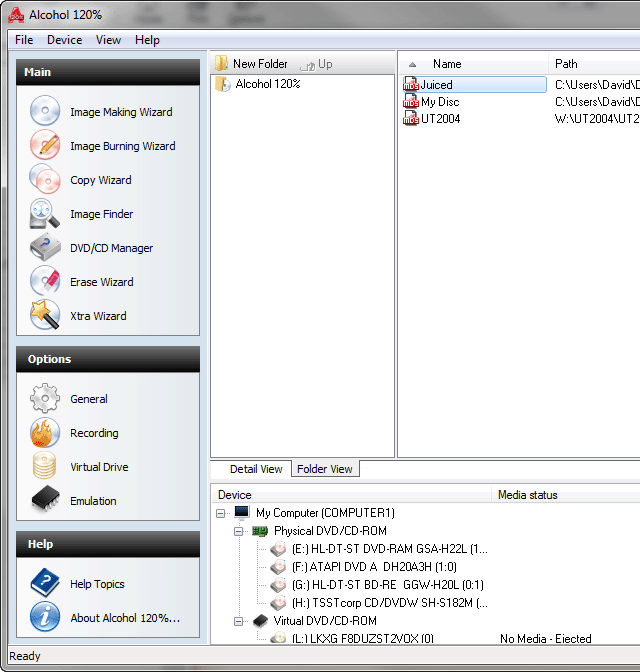
8. You should now see the image you just made here.
9. If you want to burn this image to CD then proceed to "Image burning wizard"
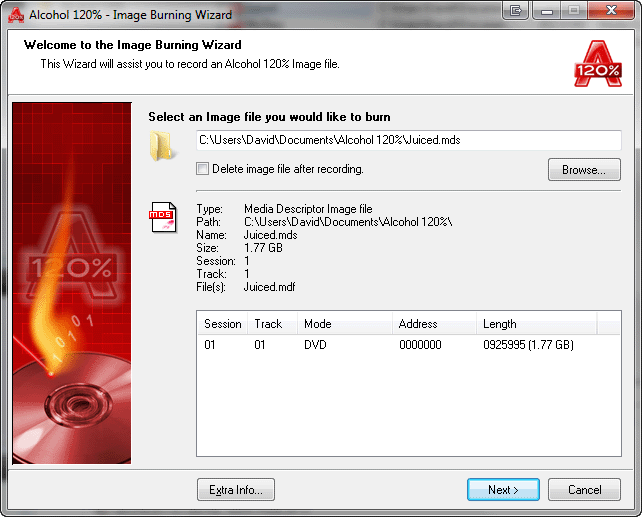
10. Browse to your image file if it doesnt already appear as shown.
11. Then proceed by clicking "next".
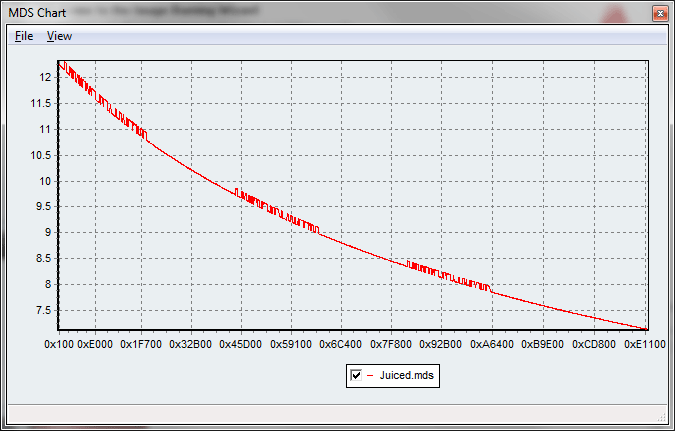
Extra Info: This button is only available for image files containing Data Position Measurement (DPM) data, it will allow you to access MDS Chart window where you can see a chart of Data Position Measurement (DPM) data included in your image file.
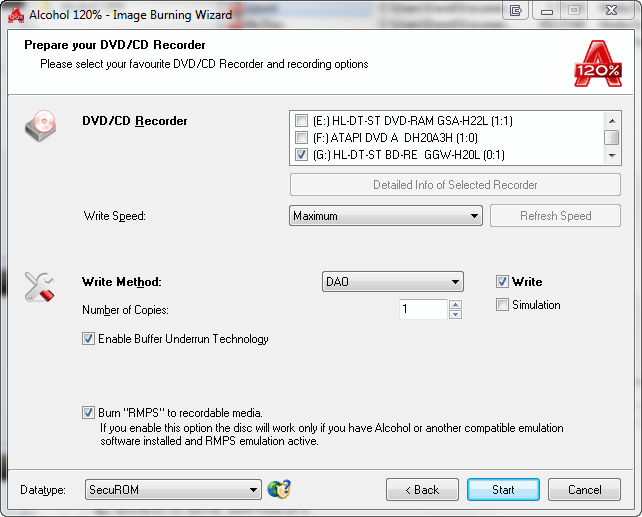
12. Again select the "Securom *NEW (4/5/7)" Datatype.
13. You will now see this new option called Burn RMPS to recordable media. This is the new feature which will allow you to play SecuROM 4.8 & above protected games from a CD as opposed to in a Virtual drive.
(Please note that in order to use this function you must have enabled DPM for the read)
14. Click start.
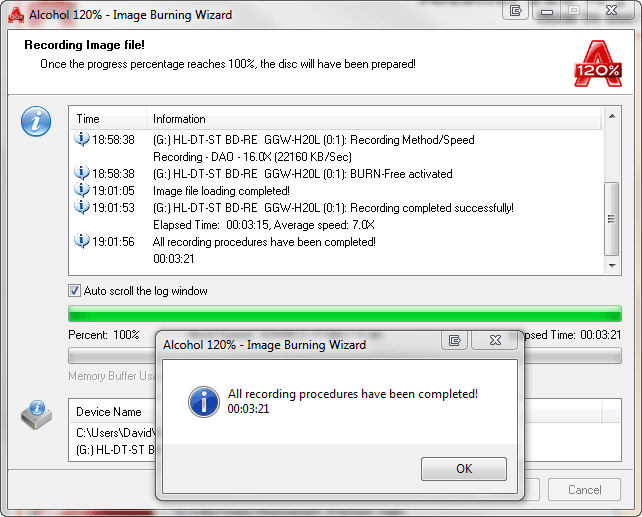
15. & 16. Click on "OK" and "Finsih" to finish the recording process.
17. Go down to options and select "Emulation" as shown.
18. Enable RMPS (Recordable media physical signature) Emulation and after clicking ok you can close Alcohol. This is a one of task and you dont need to disable or enable this again.
You are now ready to play your backups.
|
|
| |
|